Quality is a trade-off, not a competition
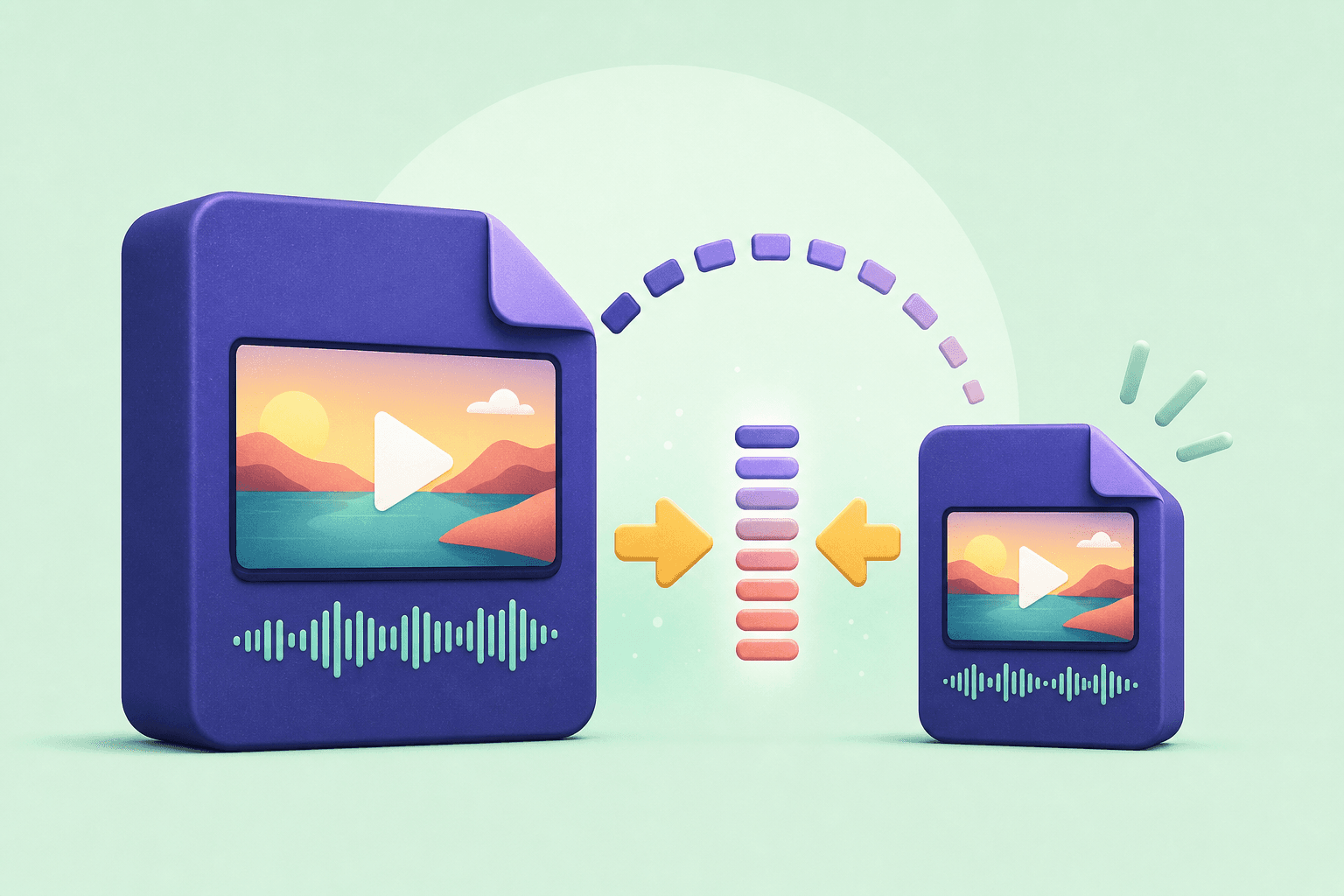
Higher resolution can make a video sharper, but it also increases file size, download time, and battery usage. The right quality is the smallest file that still looks good on the screen where you will watch it.
Think about the destination first. A short reference clip on a phone does not need the same settings as a video you plan to edit, present, or keep in a long-term archive.
A simple quality cheat sheet
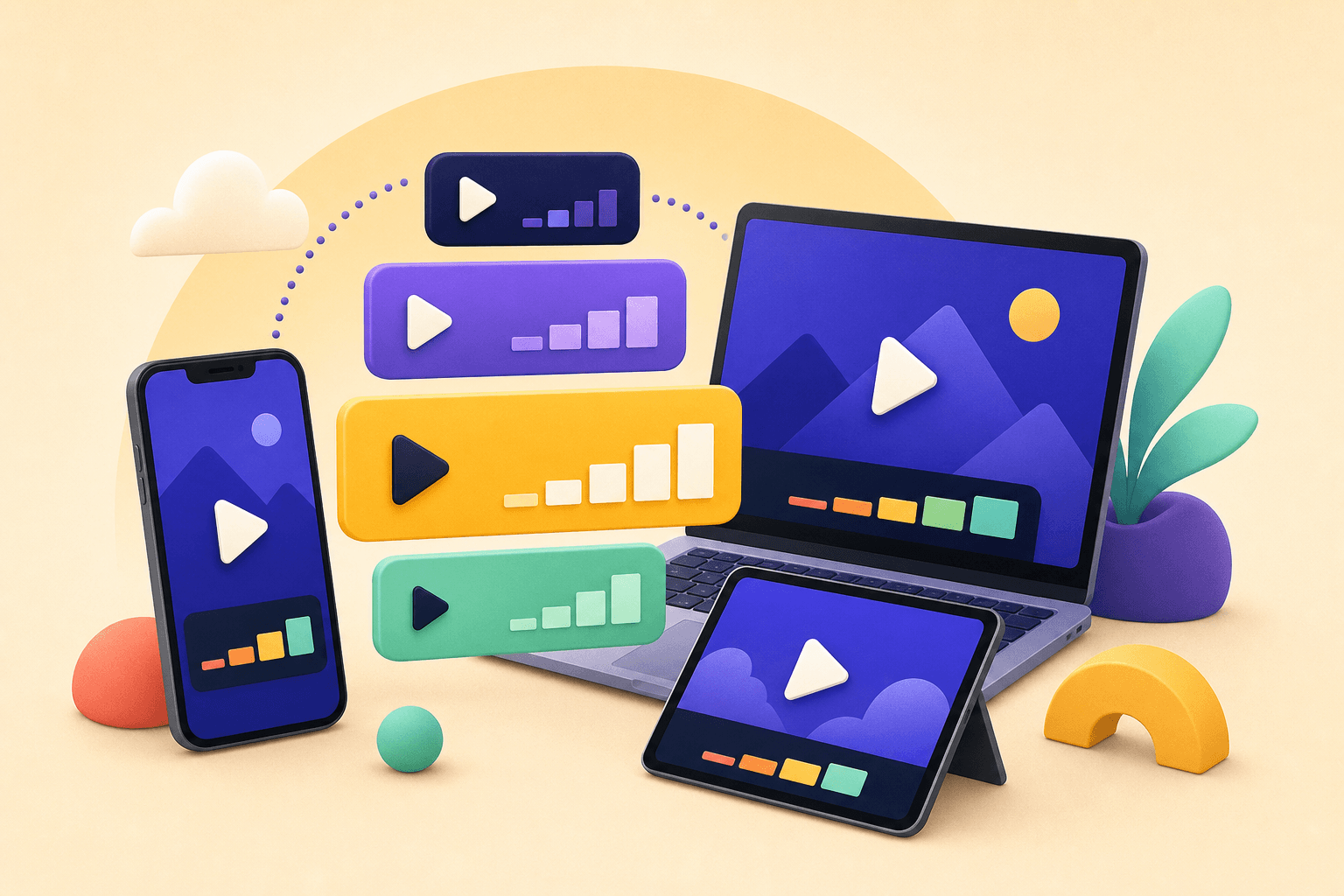
Use 360p or 480p when you need a small file, have limited data, or are saving a clip for quick reference. These settings are usually enough for a smaller phone screen.
Choose 720p for everyday viewing. It is a dependable middle ground for phones, tablets, and casual sharing. Choose 1080p when you want more detail for a larger display, editing timeline, or archive.
- 360p–480p: smallest files and fastest downloads.
- 720p: balanced quality for everyday watching.
- 1080p: more detail for editing, presentations, and large screens.
Match quality to storage and editing plans
Before selecting 1080p, check how much free storage you have and whether the original source actually offers that resolution. Upscaling a low-resolution source does not create new detail.
If you plan to trim, caption, or combine clips, keep the highest practical quality until the edit is finished. For a final share, export a smaller copy that matches the audience's device and connection.
Save, edit, and organize your permitted video and audio files in one place with Downlodr.
Get Downlodr ↗