When an audio copy makes sense
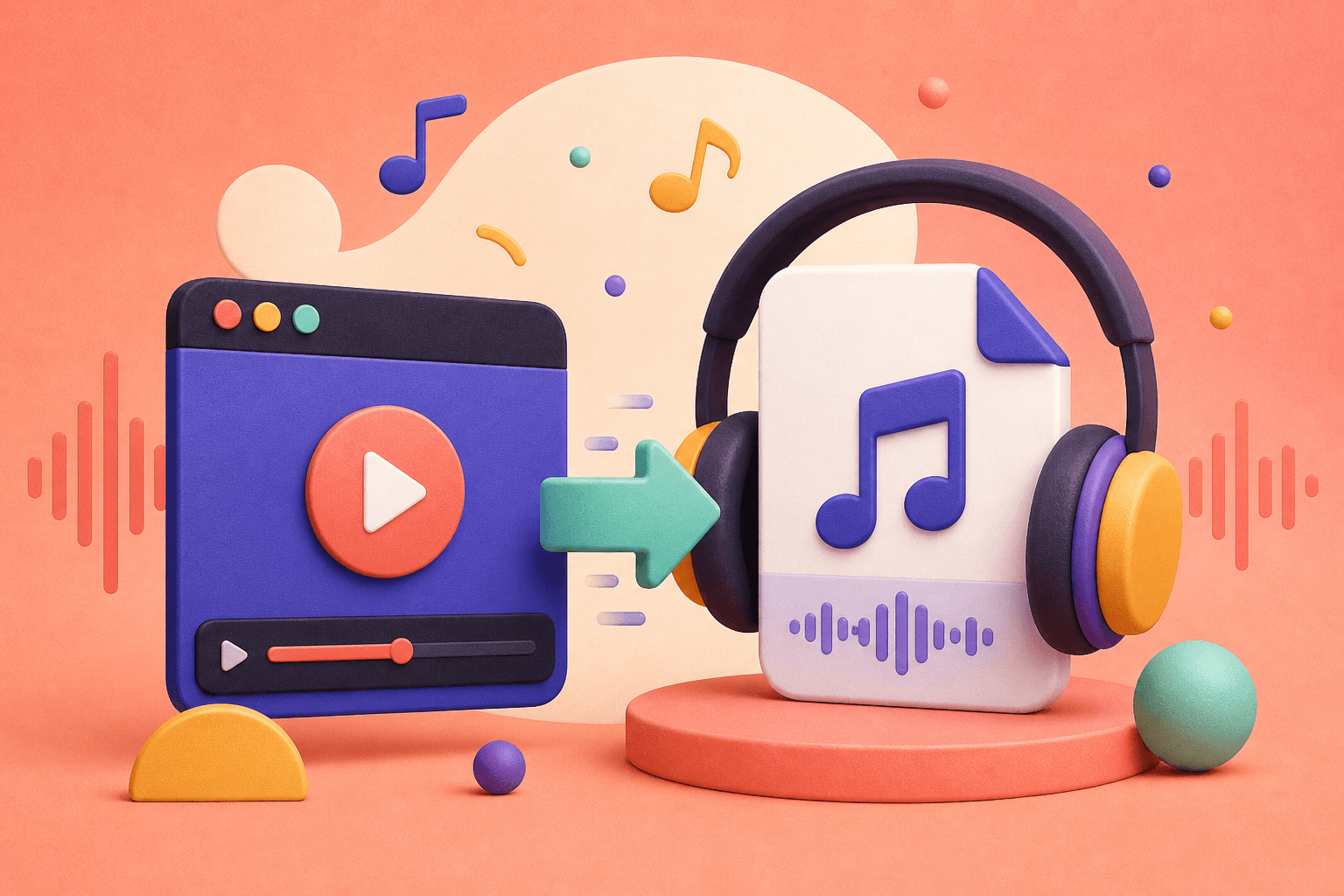
Sometimes the visual part of a video is not the part you need. A lecture you own, a voice memo, a music performance with permission, or a language lesson can be more useful as an audio file that plays while you walk or work.
Only convert content that you created or have permission to save. Audio conversion does not change the copyright or license attached to the original recording.
Choose the right audio quality
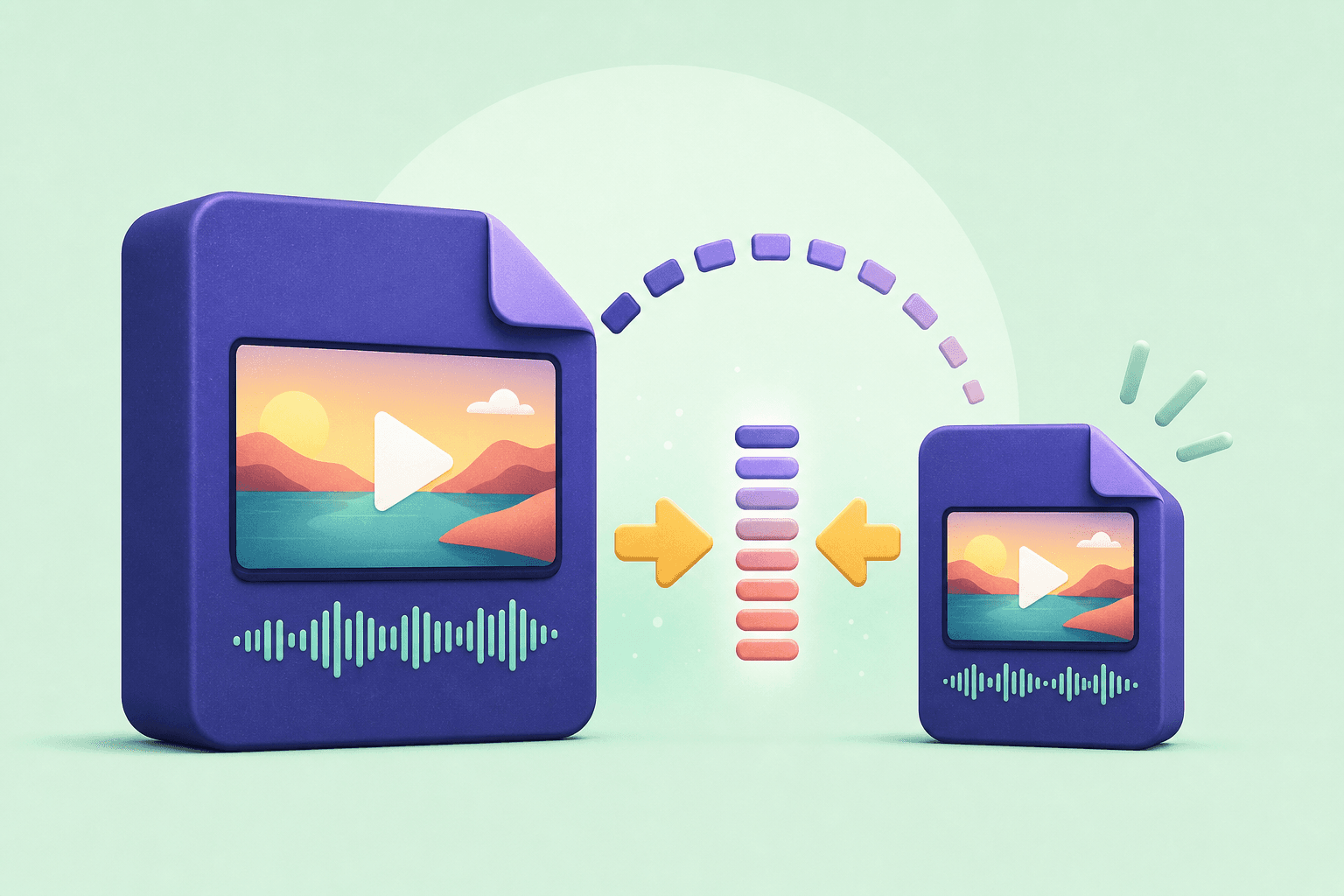
For speech, a moderate bitrate is often enough to keep voices clear while keeping the file small. Music and detailed ambient recordings benefit from a higher bitrate because compression artifacts are easier to notice in complex sound.
If you are creating a quick reference file, prioritize convenience. If you are archiving a recording, keep the original video and treat the MP3 as a listening copy rather than a replacement master.
- Use a lower bitrate for speech, notes, and short references.
- Use a higher bitrate for music and layered sound.
- Keep the original source when quality matters later.
Convert, name, and organize
Copy the permitted source link into Downlodr, choose the audio option, and save the result. Add a useful filename with the speaker, topic, or date. A clear name makes the audio searchable long after the download is complete.
Save, edit, and organize your permitted video and audio files in one place with Downlodr.
Get Downlodr ↗