
Why video files become so large
Video stores a sequence of images plus audio, motion, and color information. Resolution, frame rate, codec, and duration all affect the final file size. A two-minute 1080p clip can be much larger than a ten-minute 480p clip.
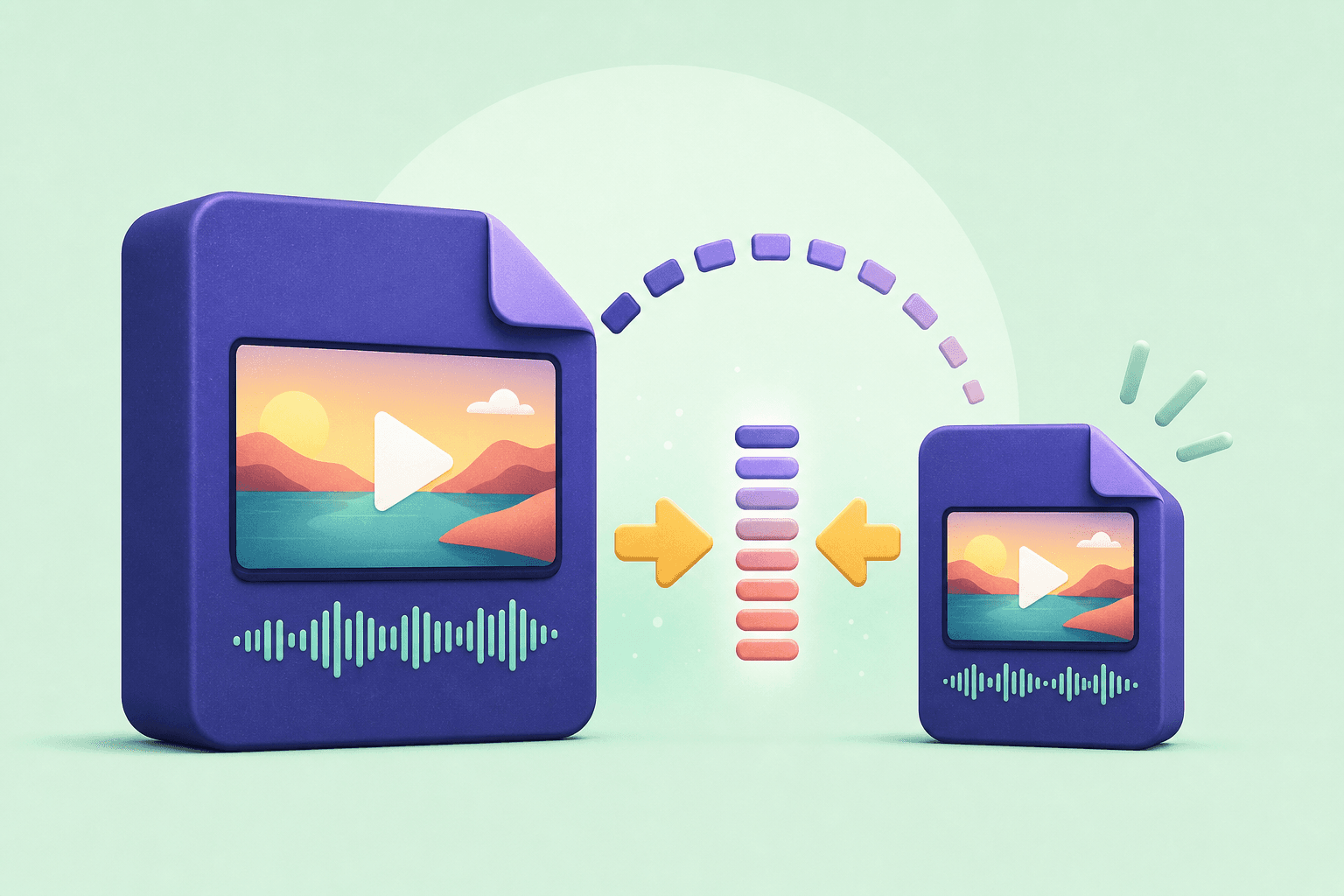
Compression reduces the amount of data needed to represent that video. The goal is not to make every file as small as possible; it is to remove data viewers will not notice while protecting the details they will.
A compression workflow that looks good
Start by making a copy of the original. Then decide where the compressed file will be used: messaging, email, cloud storage, social sharing, or editing. Each destination has a different tolerance for size and quality.
Reduce resolution only when the target screen is smaller than the original. If the source is already 720p, exporting at 1080p adds size without adding detail. For footage with lots of movement, protect the frame rate before pushing compression too far.
- Trim unwanted sections before compressing the complete video.
- Keep the original file so you can create another export later.
- Watch the compressed result before deleting the source.
Use Downlodr for a faster second copy
Downlodr's Compress tool is useful when you already have a saved clip and need a lighter version for sharing. Keep the original as your master, create a smaller copy for the destination, and name both files clearly so the versions do not get mixed up.
Save, edit, and organize your permitted video and audio files in one place with Downlodr.
Get Downlodr ↗