A download folder needs a system
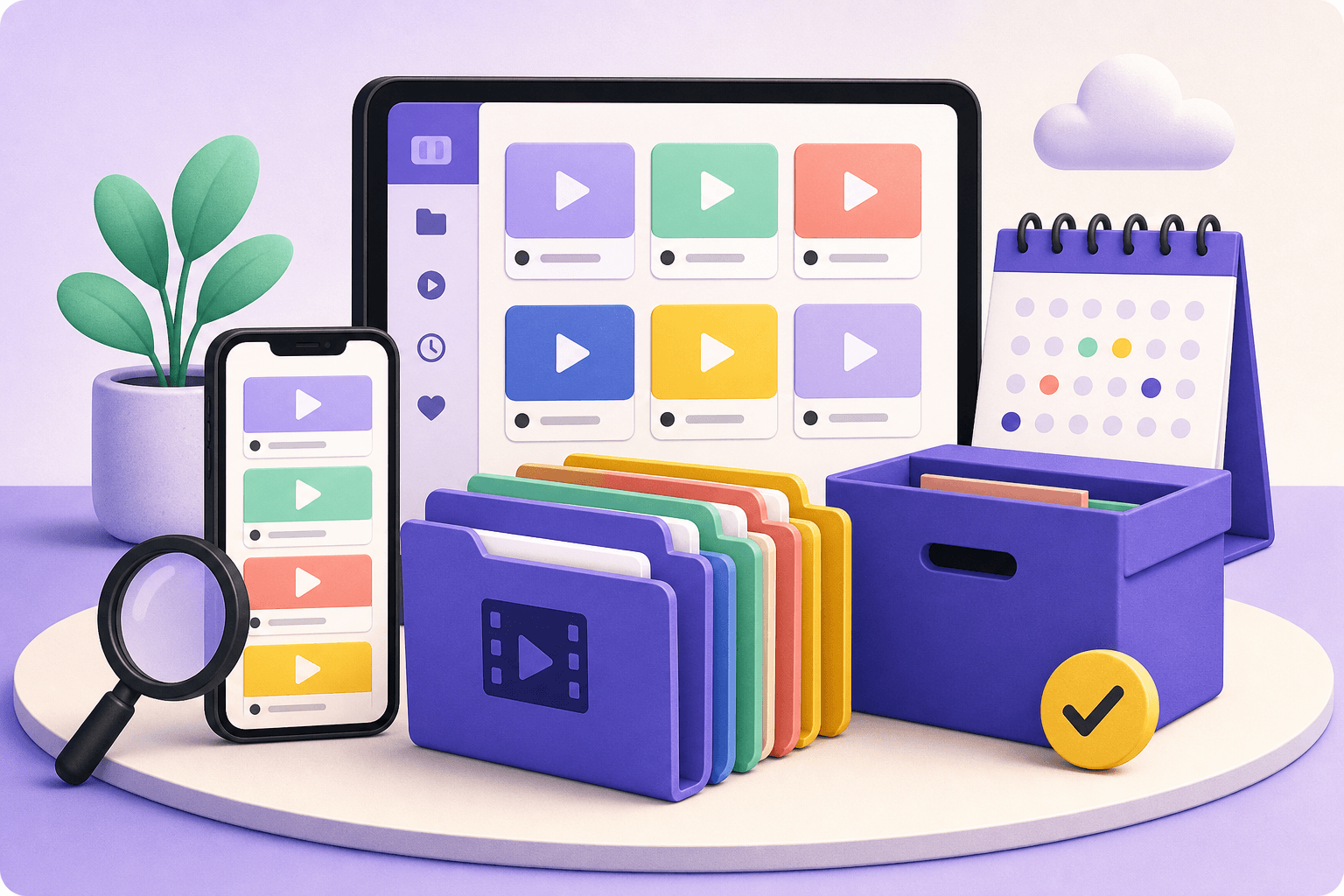
Saving everything into one camera roll feels convenient until you need a specific clip. A small amount of structure makes a large difference: separate projects from inspiration, personal memories from work files, and finished exports from temporary downloads.
Start with categories that match how you think. Folders such as Projects, Watch Later, Inspiration, Audio, and Archive are usually more useful than folders based only on the platform where a file came from.
Use filenames that explain themselves
A filename should answer three questions quickly: what is it, when was it saved, and which version is it? A pattern such as `topic-source-date-quality` is easy to scan and sort.
Avoid names like `video_001` or `final-final-2`. If a file is edited, use a short version suffix such as `v2` or `trimmed`. Keep the original and the edited copy together when you may need to revisit the project.
- Create folders around projects and recurring workflows.
- Use dates in YYYY-MM-DD format so files sort naturally.
- Delete duplicates and temporary exports once a project is finished.
Let Downlodr handle the repeatable parts
Downlodr keeps recent downloads in one place and gives you tools to convert, compress, trim, remove audio, or watermark a file without switching apps. A consistent save-and-edit routine keeps your library useful instead of overwhelming.
Save, edit, and organize your permitted video and audio files in one place with Downlodr.
Get Downlodr ↗